Follow-up & CRM
Less admin. Fewer dropped balls.
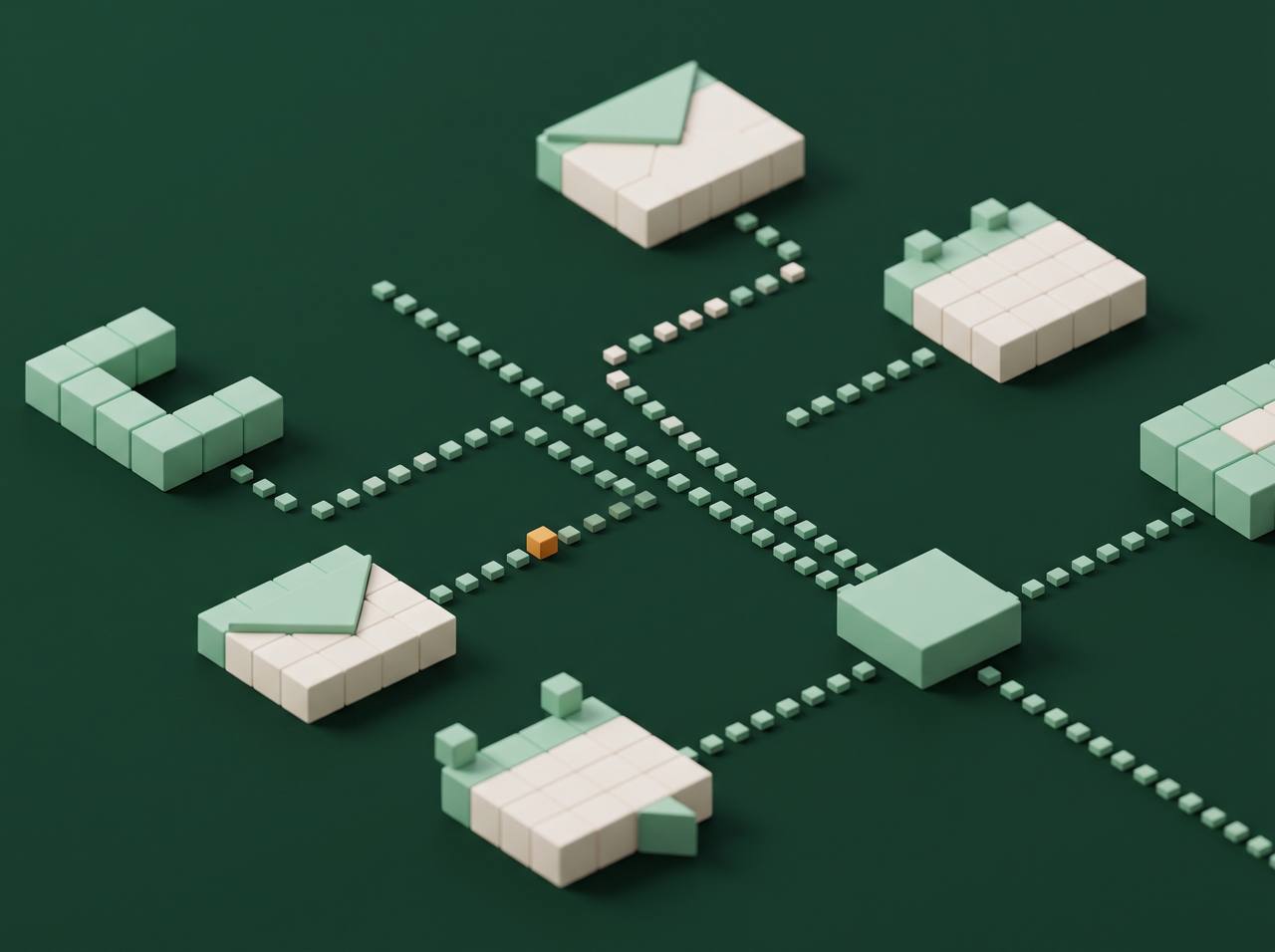
We connect your website, CRM, calendar, email and accounting tools, so information is typed once and reminders, alerts and invoices go out on their own.
Sound familiar?
This is for you if:
- Someone retypes the same details into several tools.
- Reminders and invoices depend on someone's memory.
- You're outgrowing spreadsheets.
What you get
What's included
- Your tools connected together
- Instant alerts when leads or payments come in
- Automatic reminders and follow-ups
- Invoices and payment reminders on time
- Alerts if anything stops working
Timeline: First automations live in 2 to 3 weeks.
Price: Quoted to your business, in writing, before we start.
In plain terms
We connect your website, CRM, calendar, email and accounting tools so information is typed once. After that, reminders, alerts and invoices go out on their own, and you get a warning if anything stops working.
The problem
Most small teams run on a handful of tools that do not talk to each other. A customer fills in a form. Someone copies the details into the CRM, then the calendar, then the invoicing tool. Each copy takes a few minutes and can go wrong, and a week of it adds up to real time spent on work that does not need a person.
Forgotten tasks cost more. A reminder that depends on memory gets missed eventually, and an invoice sent late is paid late.
What we automate
These examples vary by business:
- A new inquiry arrives. The details are saved to the CRM, the right person is alerted and the customer gets a confirmation.
- A job is booked. The calendar entry is created, the customer gets a reminder before the visit and the crew gets the details.
- A job is finished. An invoice goes out, and a payment reminder follows if it is not paid on time.
- A payment arrives. The record is updated and a review request goes out.
- A connection breaks. We get an alert, so nothing goes missing quietly.
Which of these matter to you depends on how you work, so we start by looking at your week, and choose tools later.
How a project runs
- We list what your team does more than once and rank it by time lost and risk of error.
- We pick a first workflow that is clear, frequent and safe to automate.
- We connect your tools, using what you already pay for where we can. Most common ones connect: CRMs, calendars, email, forms, accounting, payments and team chat.
- We run real examples and check each step before it goes live.
- Each automation is set to warn us if it fails.
- We write down how it works, then add the next workflow once the first is steady.
The first automations are usually live in 2 to 3 weeks.
Do you need new software
Usually no. We start with the tools you have. A new one is worth adding only if it solves something the current ones cannot, and we explain the cost before suggesting it.
Will it replace your staff
No. It takes the repeated, boring part off their plate so they can spend time on customers and on work that needs judgment. People stay in charge of anything that matters, such as pricing exceptions or a difficult customer.
When it is not worth it
If a task happens twice a month, the time spent building the automation may never pay off, and we will say so. The best targets happen often, follow clear rules and cause trouble when missed.
What we need from you
- A walkthrough of how a job moves through your business, from inquiry to payment.
- Access to the tools involved.
- Someone who knows how the work should flow and can approve each step.
Who this suits
Businesses that have outgrown spreadsheets and copying details between tools, and want fewer missed reminders, faster invoicing and fewer small mistakes.
Questions
Custom Workflow Automation: common questions
What tools can you connect?
Most common ones: CRMs, calendars, email, forms, accounting, payments and team chat.
Do I need new software?
Usually not. We start with what you already pay for.
What if something breaks?
Each automation alerts us if it fails, so nothing goes missing.
Will this replace my staff?
No. It takes the boring part off their plate.
How much does it cost?
It depends on what you want automated. Tell us and we'll quote it.
Works well with
Related services

CRM & Follow-up Systems
Every lead in one place, answered in a minute, followed up automatically.
See what's included
AI Integrations
Practical AI that replies faster and cuts admin, with a person in charge.
See what's included
Website Builds & Custom Apps
New websites, redesigns, client portals and custom web apps.
See what's included
Next step
Ready when you are.
Tell us what you need. We'll reply within one business day.